Fast QR Reading
Scan QR codes without clutter
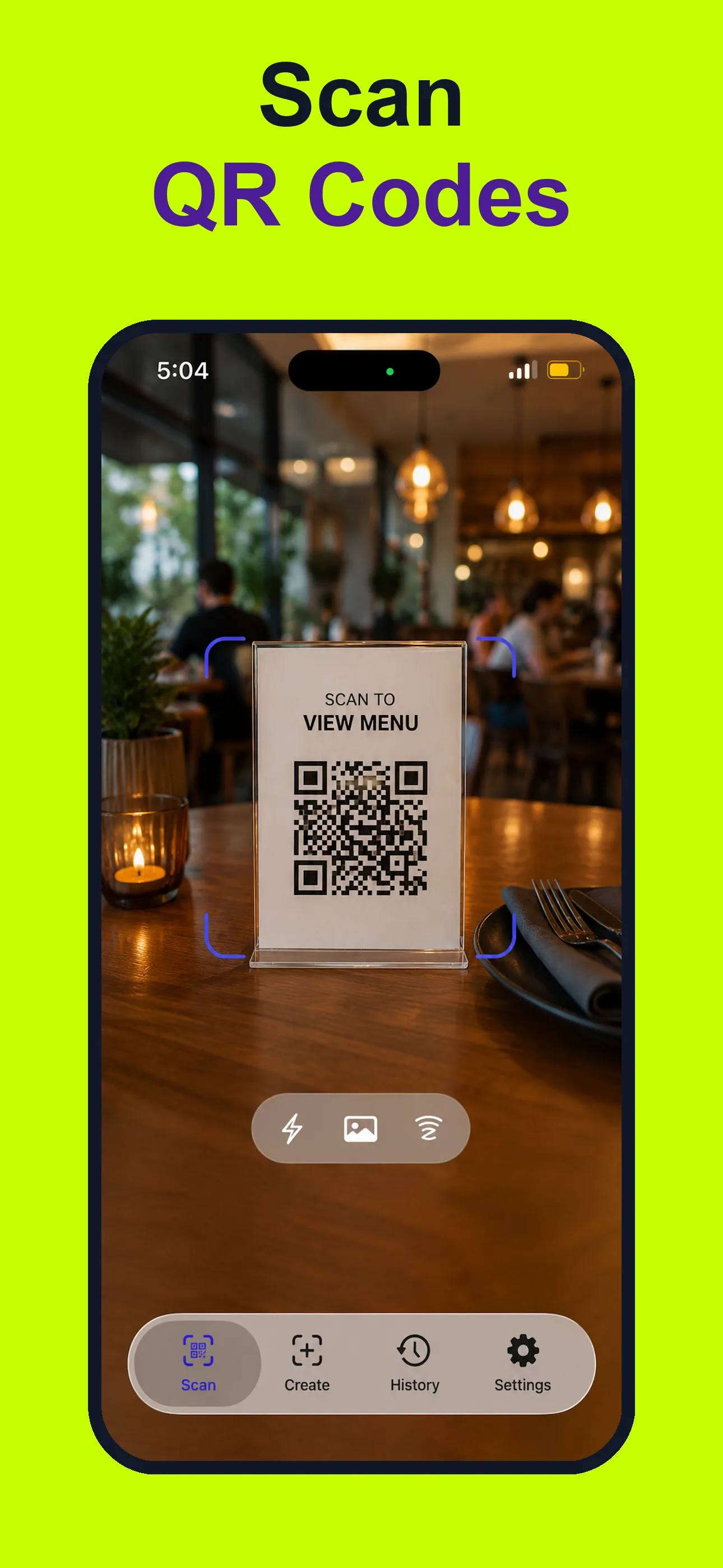
Open the app, point the camera, and read menus, links, WiFi codes, contacts, calendar codes, and location codes with clear next actions.
Scan QR codes and barcodes, preview links before opening, create custom QR codes, save scan history, use NFC tags, and export or print codes from one focused iPhone utility.
App preview
Preview the iPhone app scanning QR codes and barcodes, checking links, creating QR codes, saving history, and exporting or printing results.
Why install beyond Camera
Fast QR Reading
Open the app, point the camera, and read menus, links, WiFi codes, contacts, calendar codes, and location codes with clear next actions.
Barcode Utility
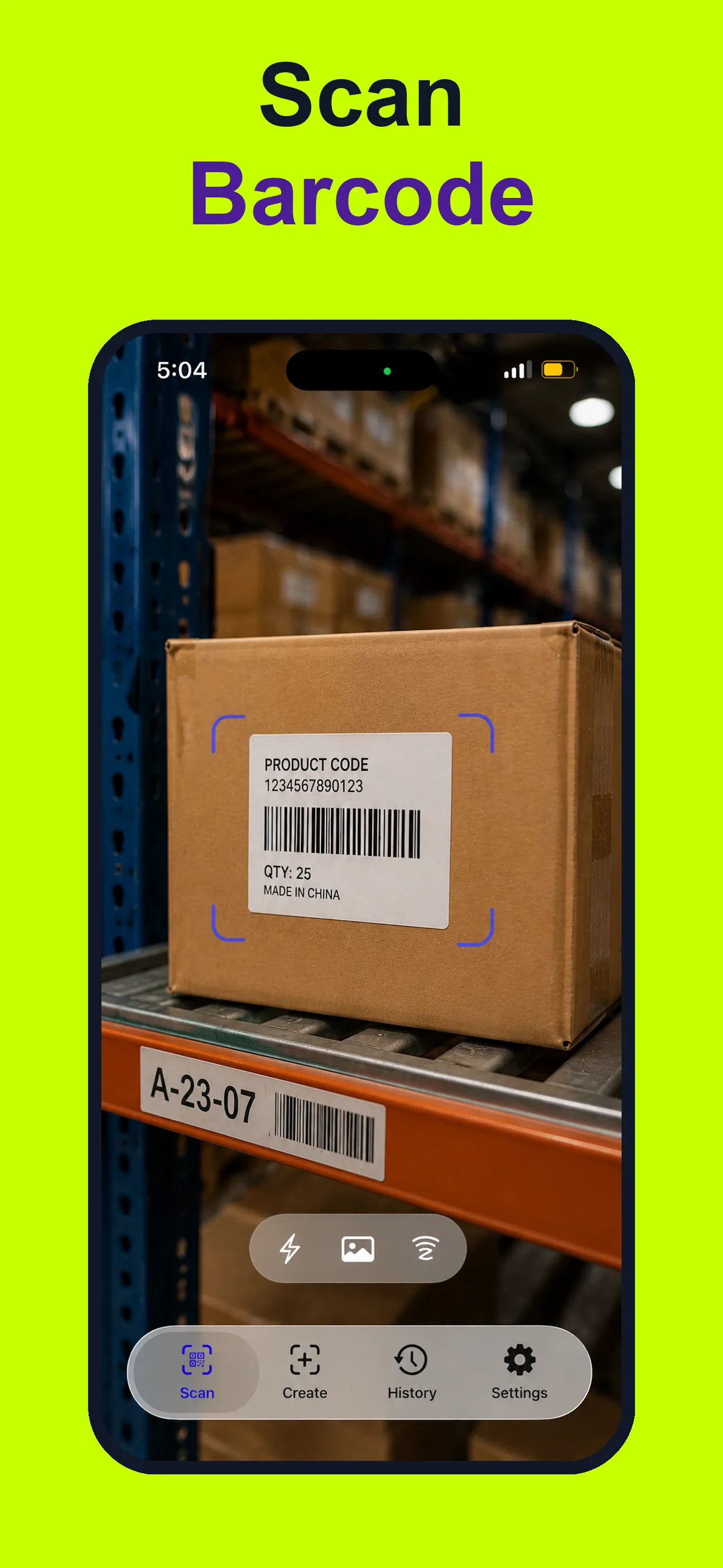
Use the barcode reader for UPC, EAN, ISBN, Code 128, Code 39, PDF417, Aztec, and Data Matrix formats when Camera is not enough.
Safety Checks
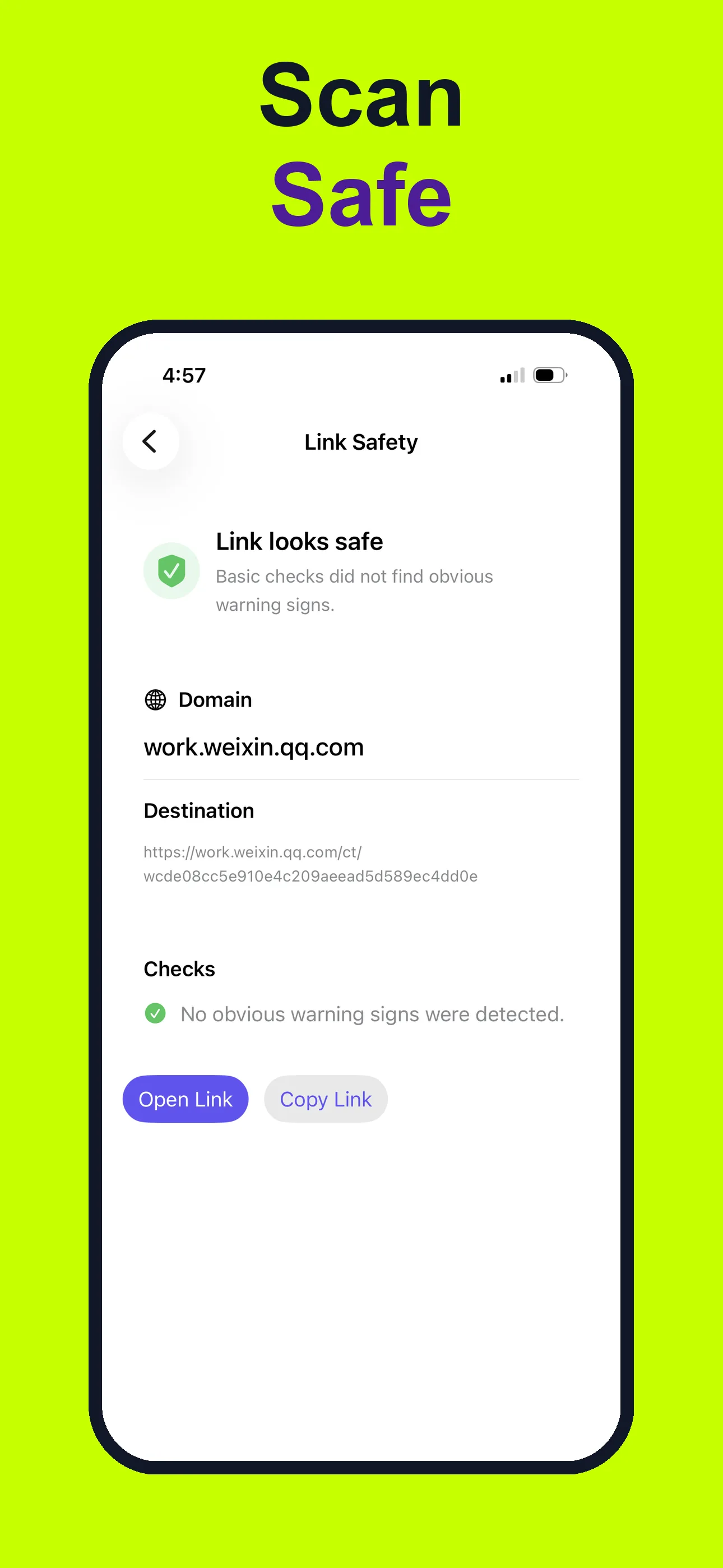
Preview scanned links before opening QR codes from flyers, menus, packages, posters, and unfamiliar places.
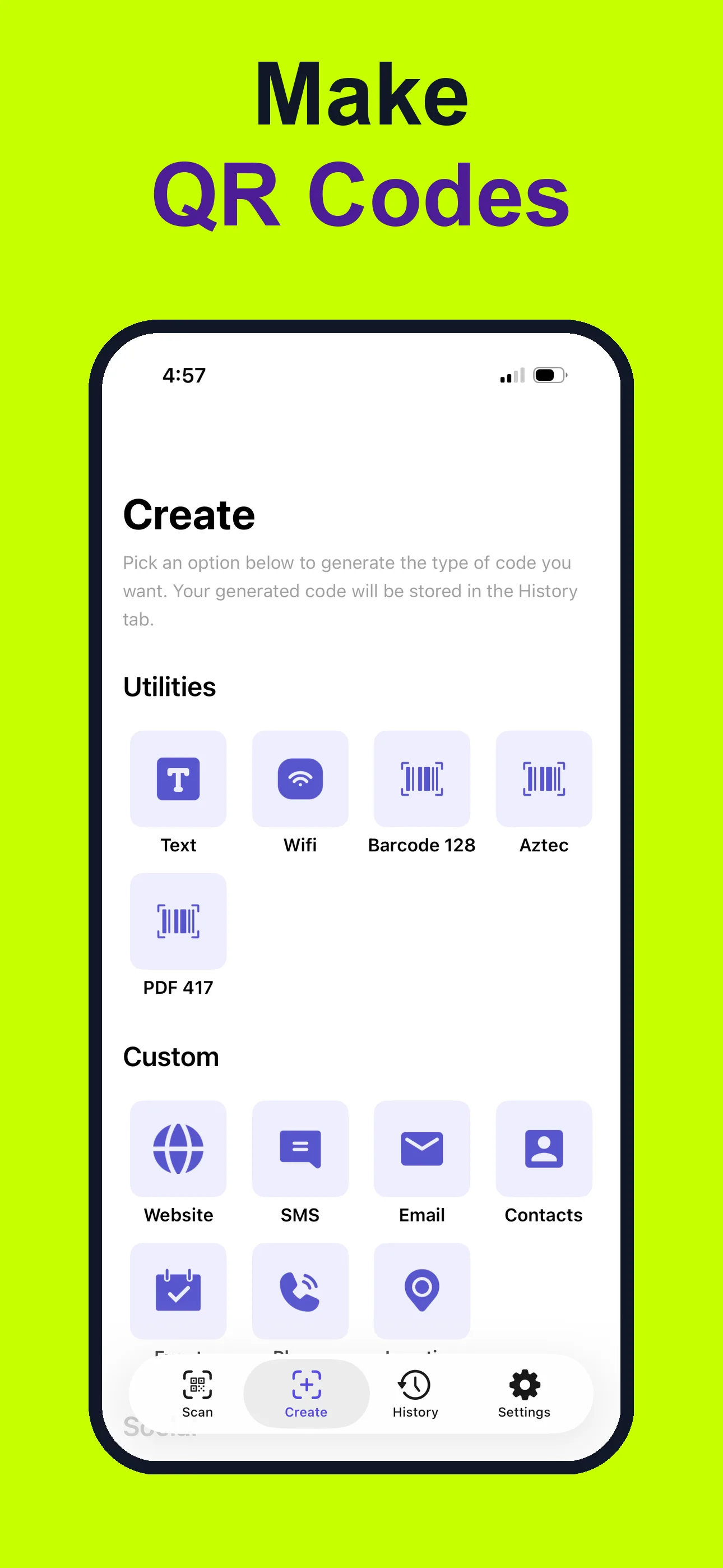
QR Creation
Make QR codes for links, text, contacts, WiFi details, and more, then customize colors, shapes, and logos for sharing or printing.
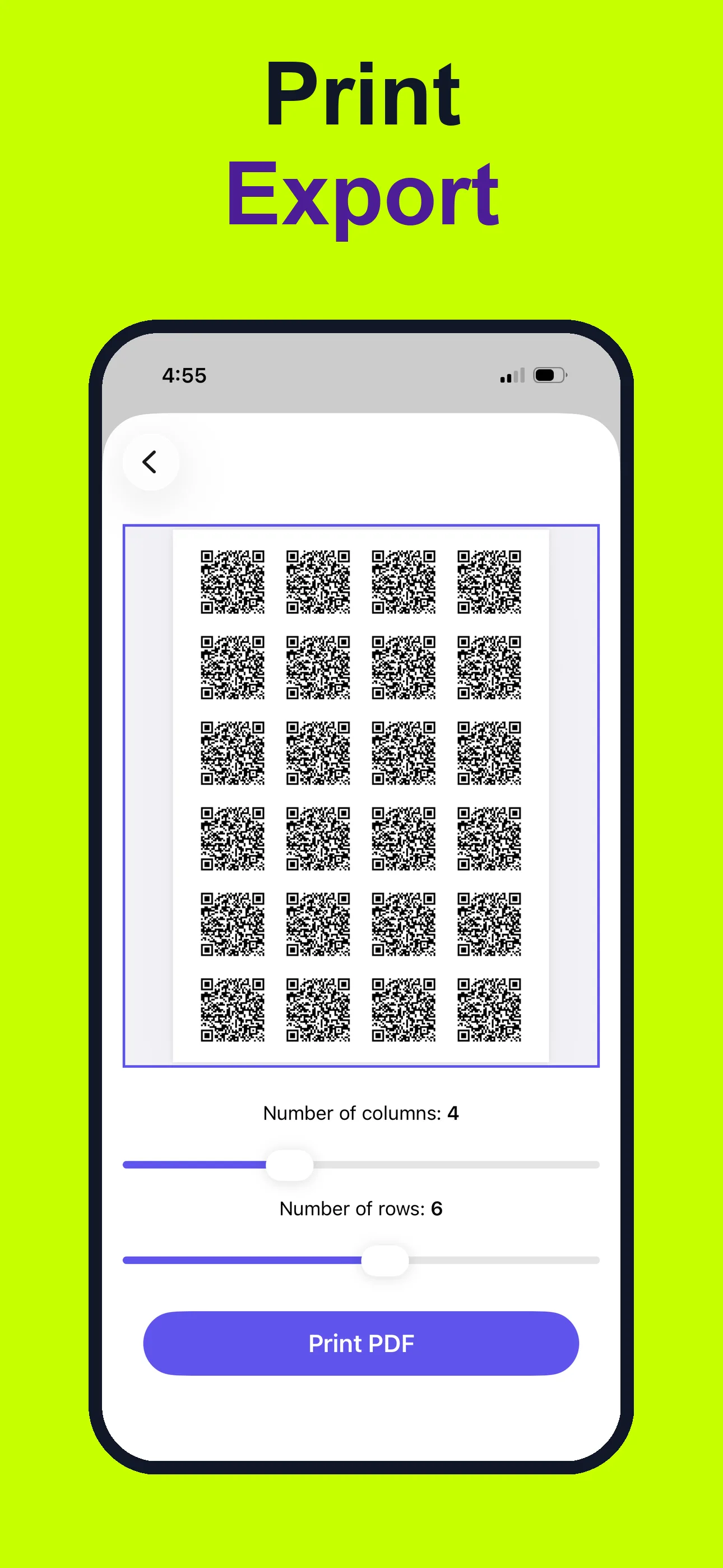
Print Ready
Prepare generated QR codes for posters, labels, packaging, business cards, and handouts, then print or share them when you need a physical code.
Why use a scanner app
Camera is fine for simple one-off scans. QR Code Reader: Quick & Safe helps when you want saved history, link previews, QR creation, barcode formats, NFC, printing, and export in one focused iPhone utility.
Preview QR destinations before opening
Create custom QR codes with logos and color
Read UPC, EAN, ISBN, PDF417, Aztec, and Data Matrix
Save scan history and revisit useful codes
Print, share, and export generated or scanned codes
Answers for Searchers
Camera works for basic one-off scans. A dedicated scanner helps when you want history, link previews, QR generation, barcode support, NFC, printing, or export.
Yes. It supports common barcode formats including UPC, EAN, ISBN, Code 128, Code 39, PDF417, Aztec, and Data Matrix.
Yes. You can create QR codes for links, text, contacts, WiFi details, and more, then customize them with colors, shapes, and logos.
Yes. You can preview scanned links before opening unknown QR destinations.
Related Guides
Use a focused QR code scanner for iPhone when you need scan history, QR creation, link previews, NFC, printing, and broad code support.
Scan UPC, EAN, ISBN, Code 128, Code 39, PDF417, Aztec, Data Matrix, and QR formats from one iPhone barcode reader.
Preview QR links before opening unknown QR codes from menus, posters, packages, and public places.
Create QR codes for links, text, contacts, WiFi details, and more, then customize colors, shapes, and logos from iPhone.
Save scan history, revisit previous QR and barcode results, and export or share codes from your iPhone.
Create QR codes on iPhone, customize them with colors or logos, then print or export them for labels, flyers, packaging, and business cards.
Use one iPhone app for QR codes, barcodes, NFC tags, custom QR creation, history, and export workflows.
Scan QR, UPC, EAN, ISBN, Data Matrix, PDF417, Aztec, Code 128, Code 39, and other common code formats.
Compare iPhone Camera QR scanning with a dedicated QR scanner app for history, link previews, barcode support, QR generation, NFC, and export.
Learn how harmful QR destinations work, what warning signs to check, and how to scan an unfamiliar QR code more safely on iPhone.
Preview a QR code destination on iPhone, inspect the domain, and decide whether to open an unfamiliar link without rushing.
Learn how to scan a WiFi QR code on iPhone, verify the network name, and avoid joining an unexpected wireless network.
Scan a QR code already saved in an iPhone photo or screenshot, then review the decoded result before taking action.
Recognize QR phishing warning signs, inspect unfamiliar destinations, and respond safely to suspicious login or payment requests.